
NEURO
TAGLINE
It works — wherever you move: swim, run, or fly.
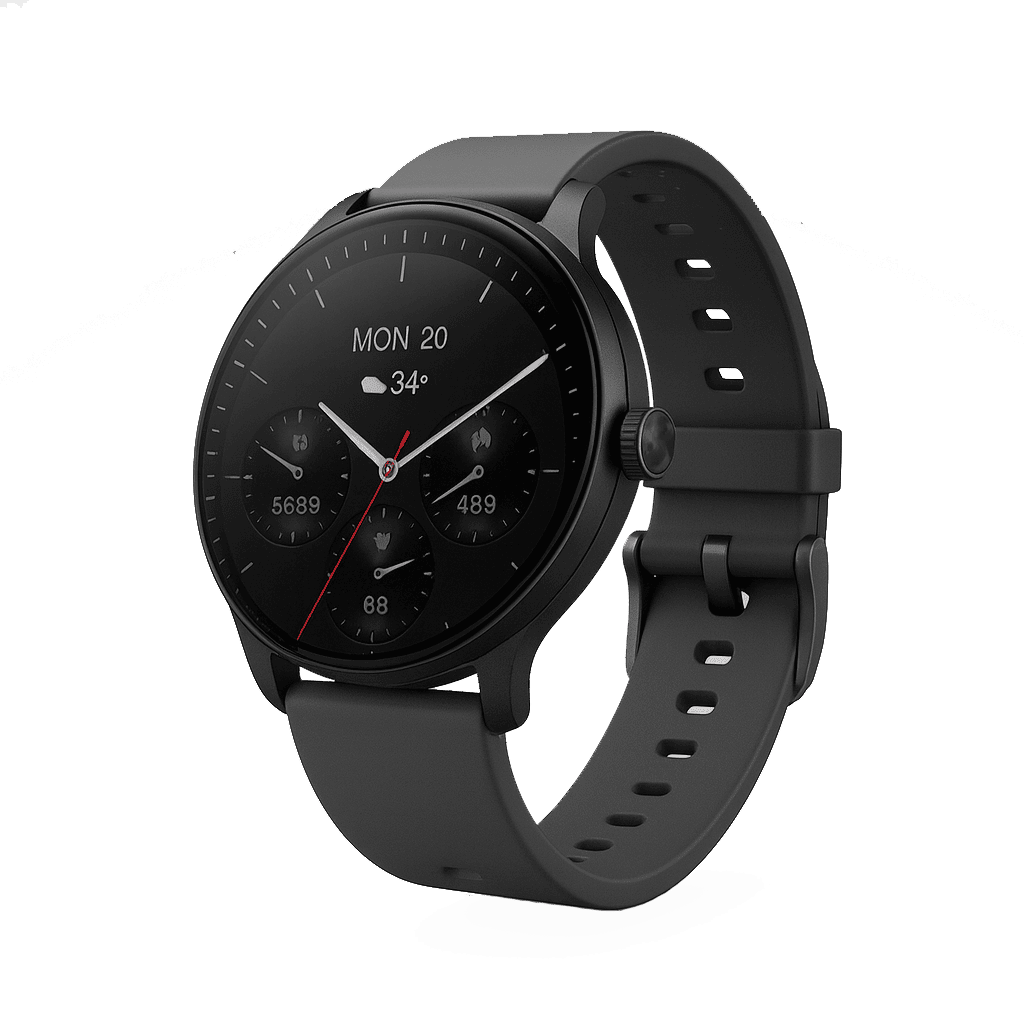
Smart Watch
Powered by VeryFit OS — designed for precision, performance, and health.
AMOLED Display
Vibrant colors, deep blacks, always-on capability
Health Monitoring
24/7 heart rate, SpO2, stress, and sleep tracking
5ATM Water Resistant
Swim, shower, and exercise worry-free
Dual-Frequency GPS
Precise location tracking for all your adventures
NEURO
GRAVITYLINE
We care about your health.
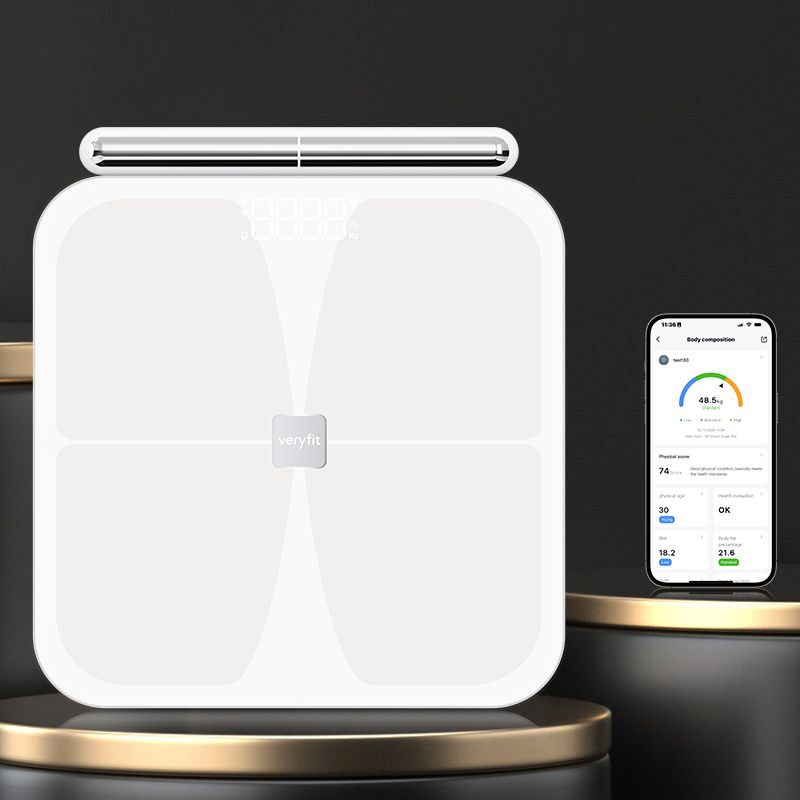
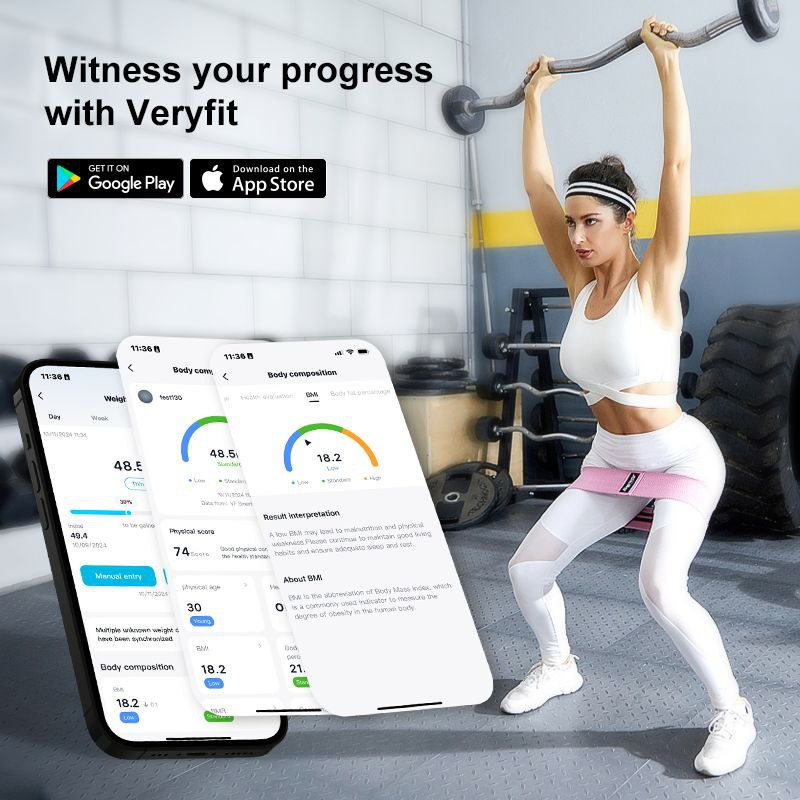
Connect seamlessly. Track effortlessly.
Powered by AI health insights.
CAUTION
The device has been evaluated to meet general RF exposure requirements. The device can be used in portable exposure conditions without restriction.
Risk of explosion if the battery is replaced by an incorrect type;
Disposal of a battery into fire or a hot oven, or mechanically crushing or cutting a battery, can result in an explosion;
Leaving a battery in an extremely high-temperature environment can result in an explosion or leakage of flammable liquid or gas;
A battery subjected to extremely low air pressure may result in an explosion or leakage of flammable liquid or gas.
Old electrical appliances must not be disposed of together with household waste, but must be collected separately. Disposal at communal collection points for private individuals is free of charge. The owner of old appliances is responsible for bringing them to these collection points or similar facilities. With this small personal effort, you help to recycle valuable raw materials and ensure proper treatment of toxic substances.
If you experience discomfort or skin irritation while wearing your smartwatch, we recommend cleaning your device first. Sometimes residue or foreign materials build up around your watch and may irritate your skin. It is also possible that you are not wearing the watch correctly. We recommend cleaning and adjusting your watch regularly for a more comfortable fit.
Short press of the upper button:
Return to the previous page.
Wake the screen when it is off.
Press three times quickly to call your emergency contact.
Long press of the upper button:
Turn on the watch.
When the watch is on, press and hold for 8 seconds to restart it.
Short press of the lower button:
Customize the shortcut key. In Watch settings → Lower button you can select the application that will open quickly.
Long press of the lower button:
Press and hold for 5 seconds to open the shutdown and restart menu.
Bottom labels
for Android
for iOS
Powered by VeryFit OS
Scan the QR code for more function information
Made in China
Contact
Have any questions? Contact us!